
Step by Step Instructions: W-4 Employee’s Withholding Allowance Certificate (PDF)
1. Go to Employee Dashboard
2. Click on Taxes

3. Click on W-4 Employee’s Withholding Allowance Certificate

4. You Will be Able to View Your W-4
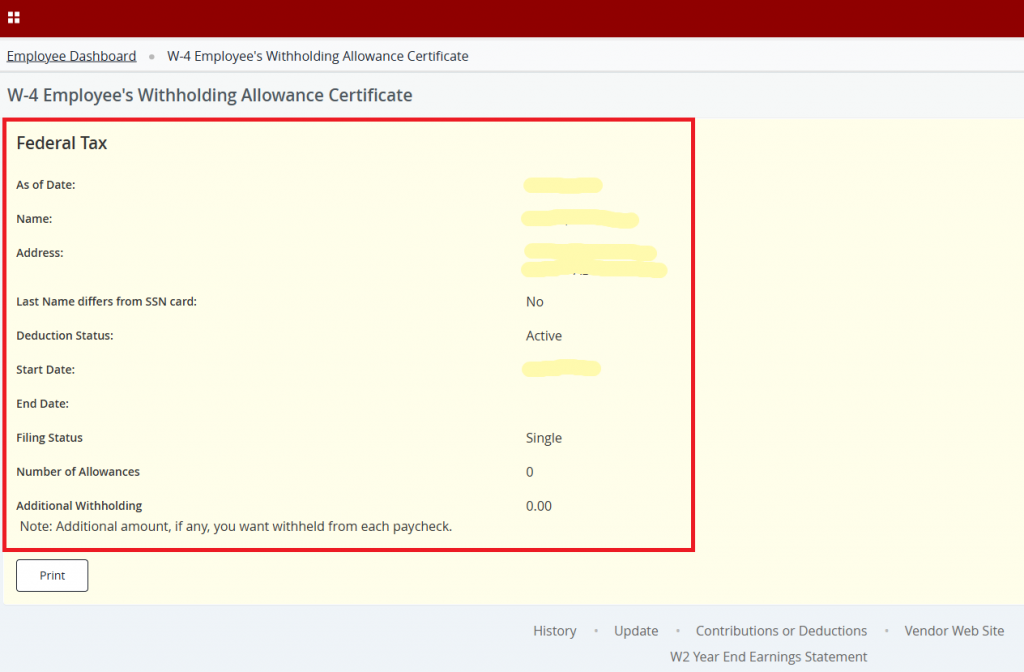
5. If You Need to Make Updates, click on “Click here UPDATE your Tax Information”

6. Make Any Necessary Changes
7. Click on Submit
8. If You Need to Print Your W-4 Click on “Print W-4”
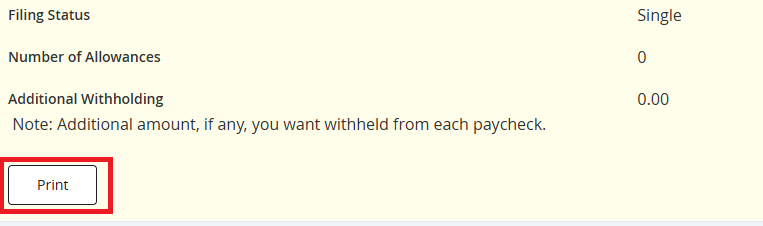
9. You will be Presented with a Printable W4
